Four ways to translate
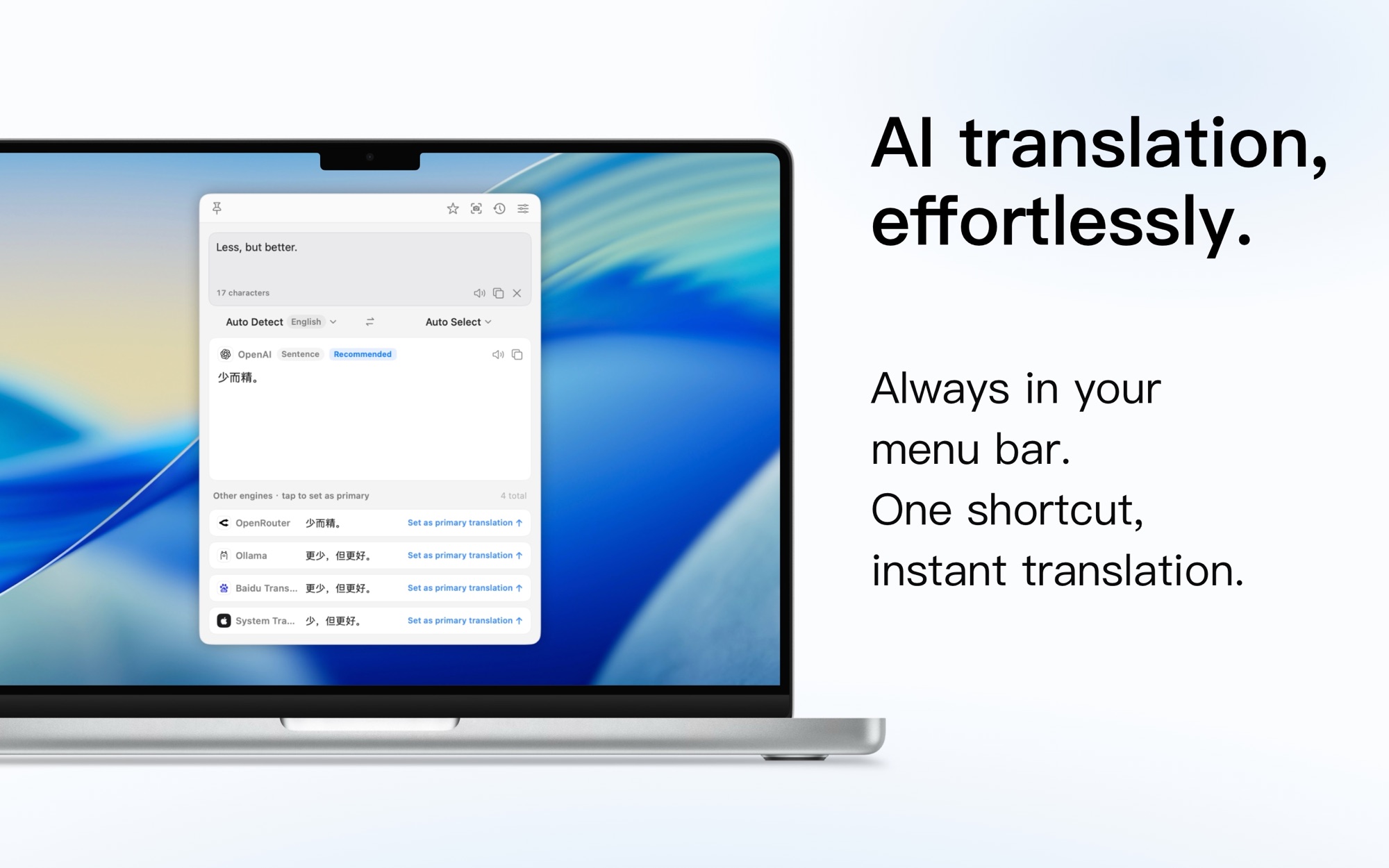
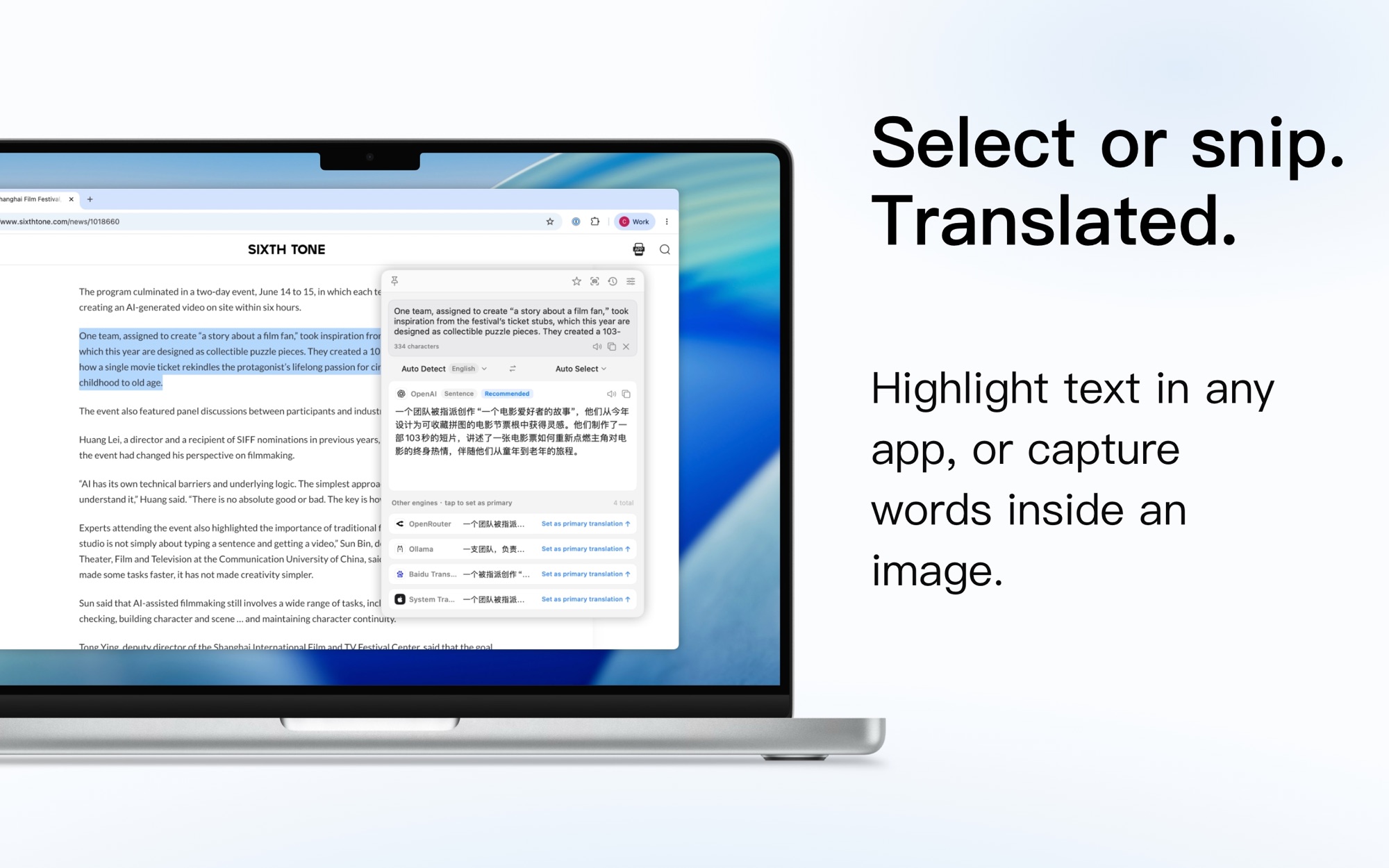
Type or paste in the translation window, select text in any app, capture a screen region to translate, or OCR text straight out of an image. Each has its own global keyboard shortcut, and no extra permissions are needed to get started.
Your choice of engine
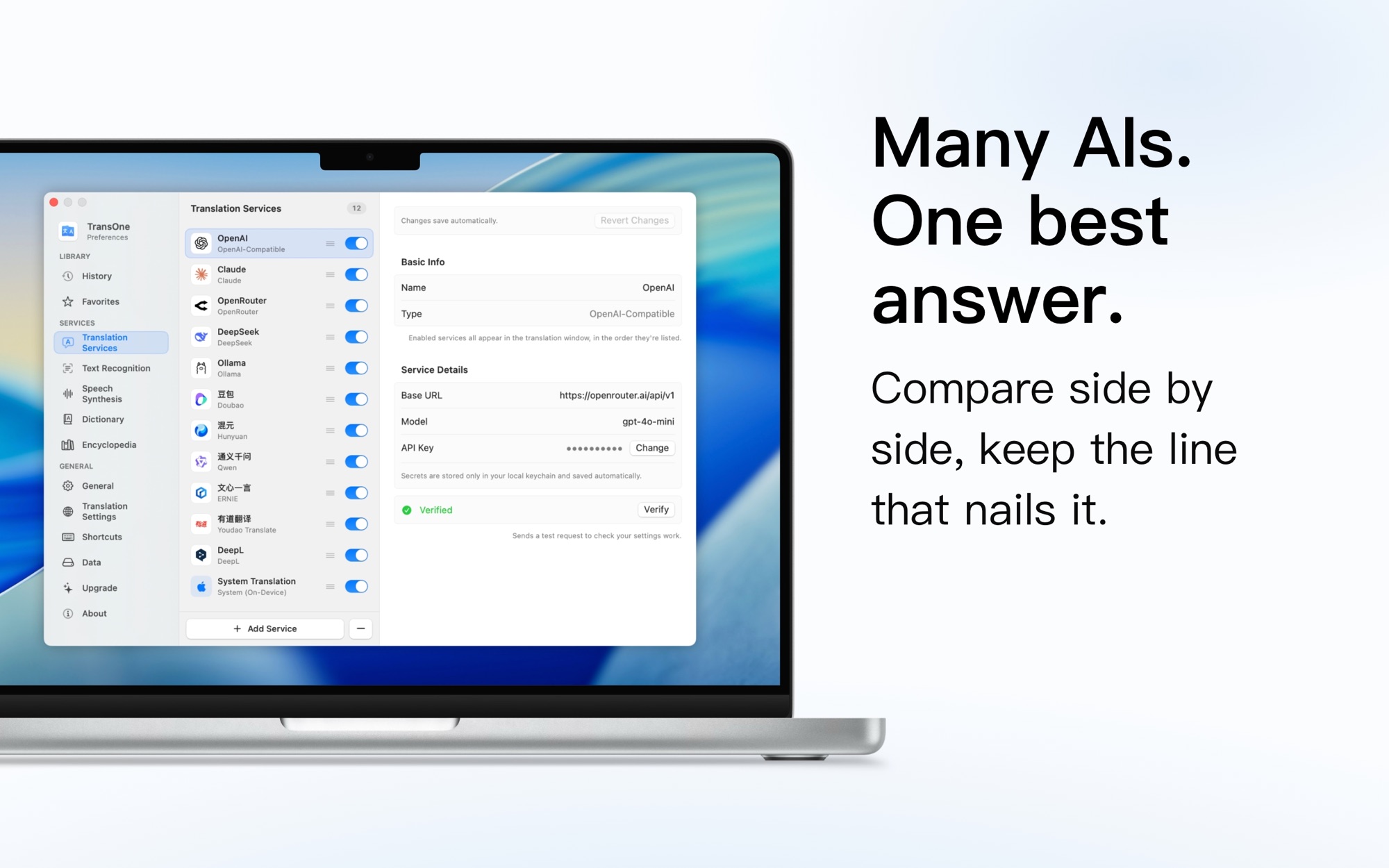
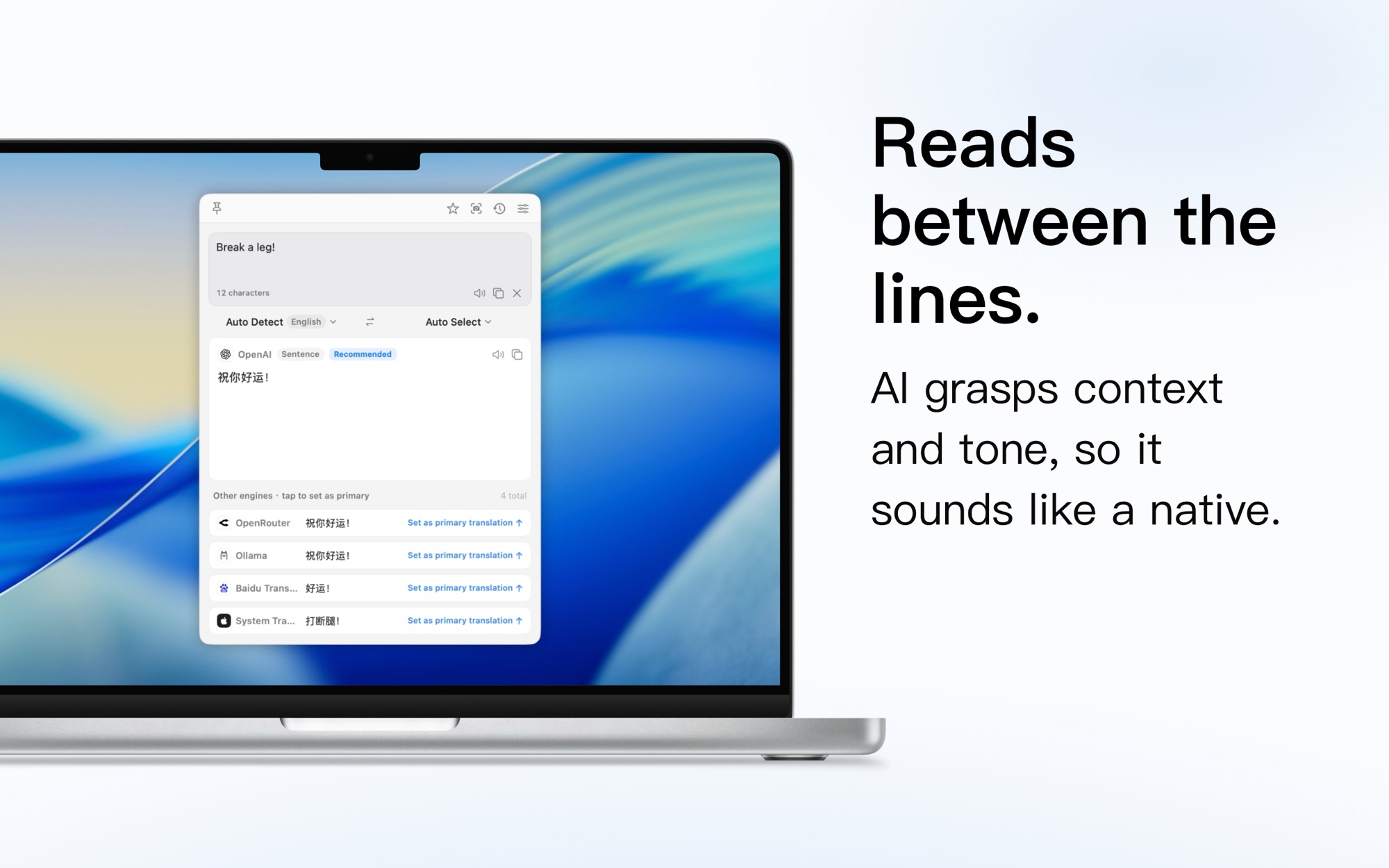
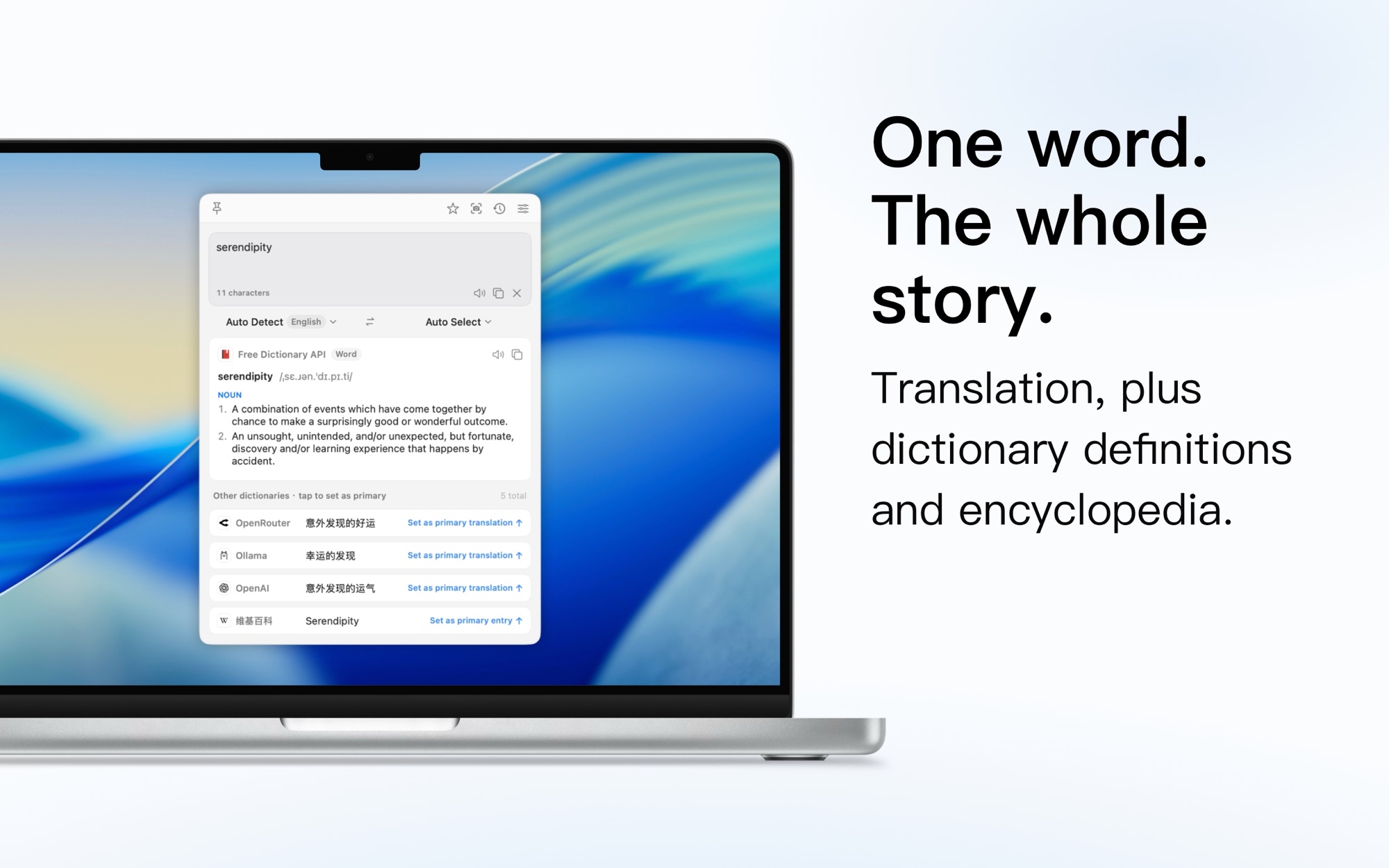
Pick from 27 translation engines: traditional ones like Apple’s on-device translator, DeepL, Google, Tencent and Baidu, plus AI models like OpenAI, Claude and Gemini, and reach local or your own services through Ollama, LM Studio or the custom API.
Translate your screen
Draw a box anywhere on screen and TransOne translates the text inside it, right where you’re working. Handy for apps, games and images you can’t select. Save the captured region as a PNG, too.
One key for any selection
Select text in any app and press ⌥W. Translate it, polish your writing, summarize a long read, hear it aloud or copy it, from a small bar right beside your selection. Every action can have its own global shortcut, too.
Remember every word
Every word you look up lands in your Vocabulary notebook. Review it with flashcards timed to your memory, watch your progress grow, and export to Anki or CSV. Every translation is kept in a searchable history, too.
Native to macOS
Built in SwiftUI for macOS, using only Apple system frameworks. Light on resources, quick to launch, launches at login, and speaks 13 languages.